ScanBIM professional Revit extensions & automation.
Elevate your BIM coordination, architectural modeling, and automated drawing production. Our flagship tools integrate seamlessly directly inside Revit to automate repetitive tasks and save hundreds of coordination hours.
CutScene — 3D View Animator
Animate your Revit Section Box frame by frame. Export high-quality MP4 videos, animated GIFs, and raw PNG sequences for both orthographic and perspective views.
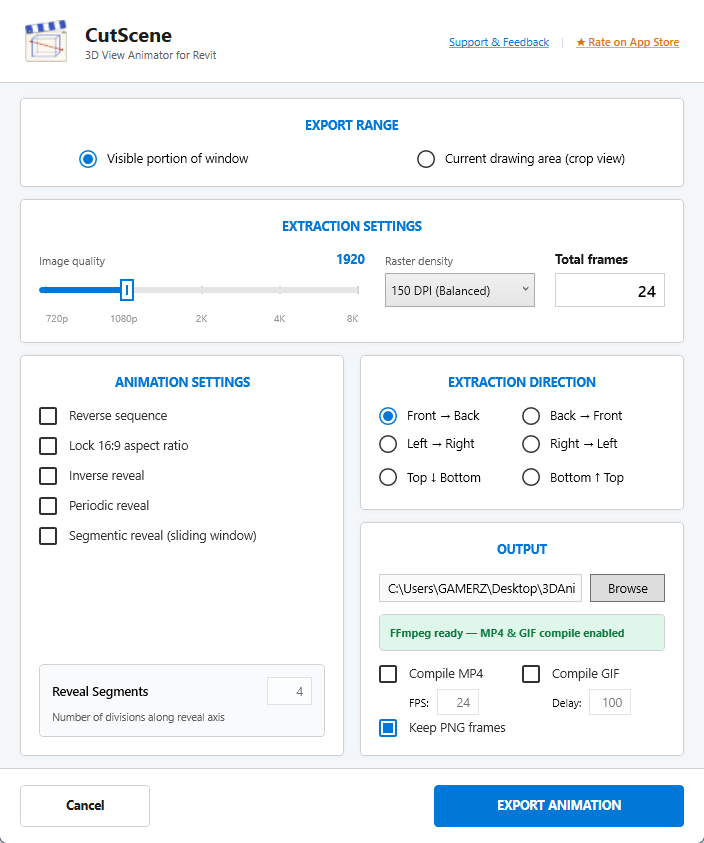
Everything you need for professional BIM animation
Click any feature to see it in action.
 GIF preview
Linear Reveal
A clean, continuous sweep across any axis. Choose from 6 directions: Front-to-Back, Back-to-Front, Left-to-Right, Right-to-Left, Top-to-Bottom, or Bottom-to-Top.
 GIF preview
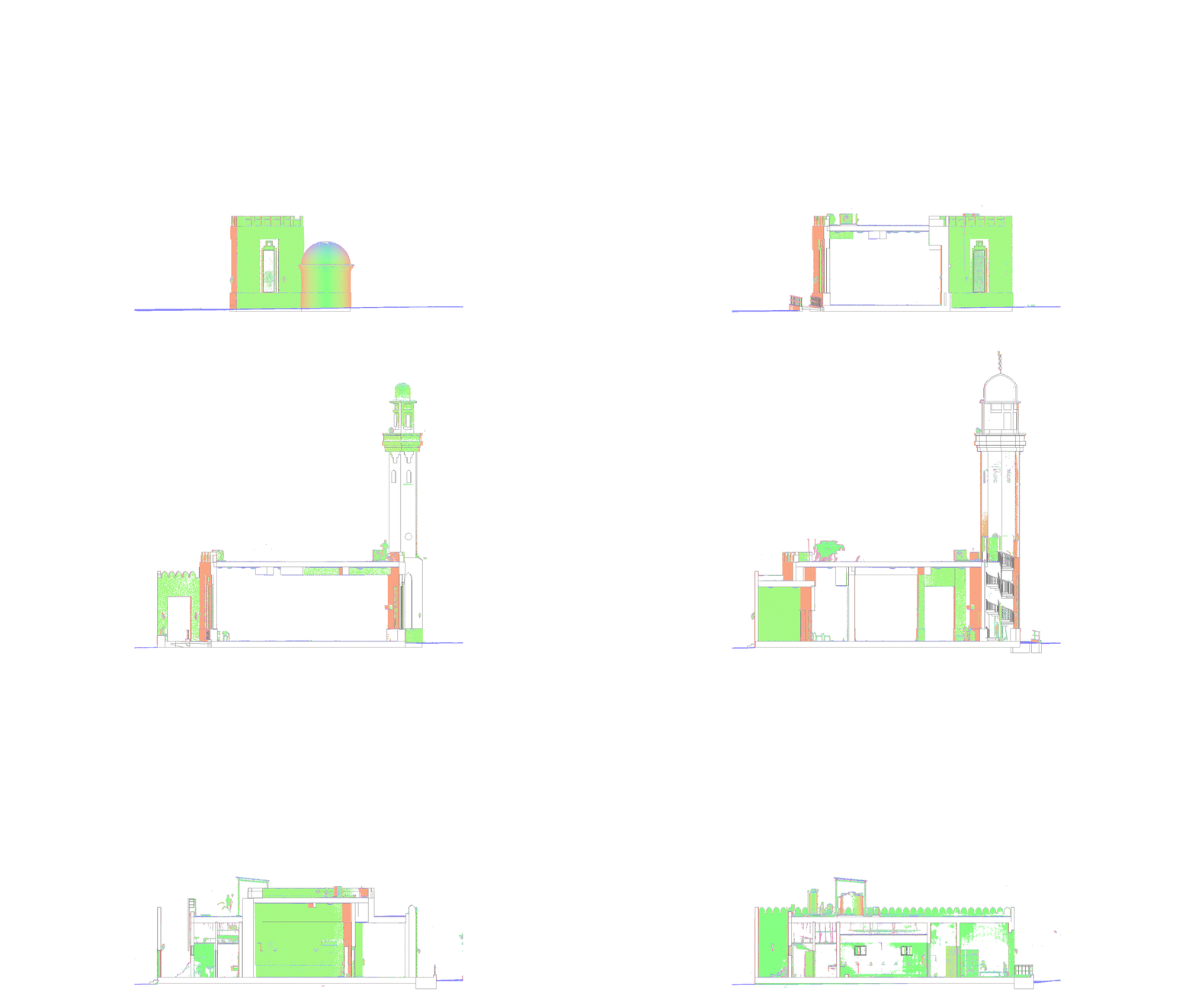
Segmentic Reveal
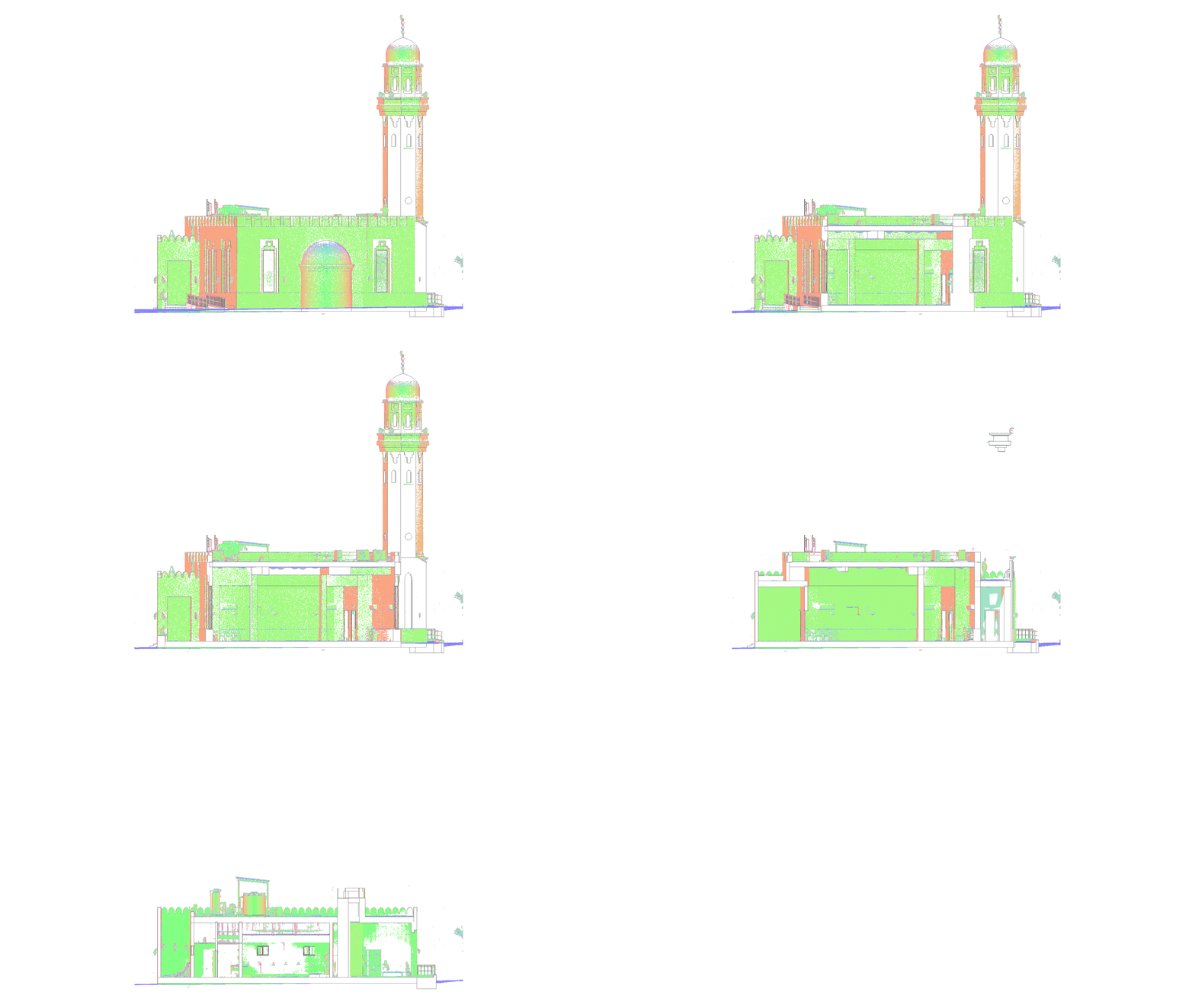
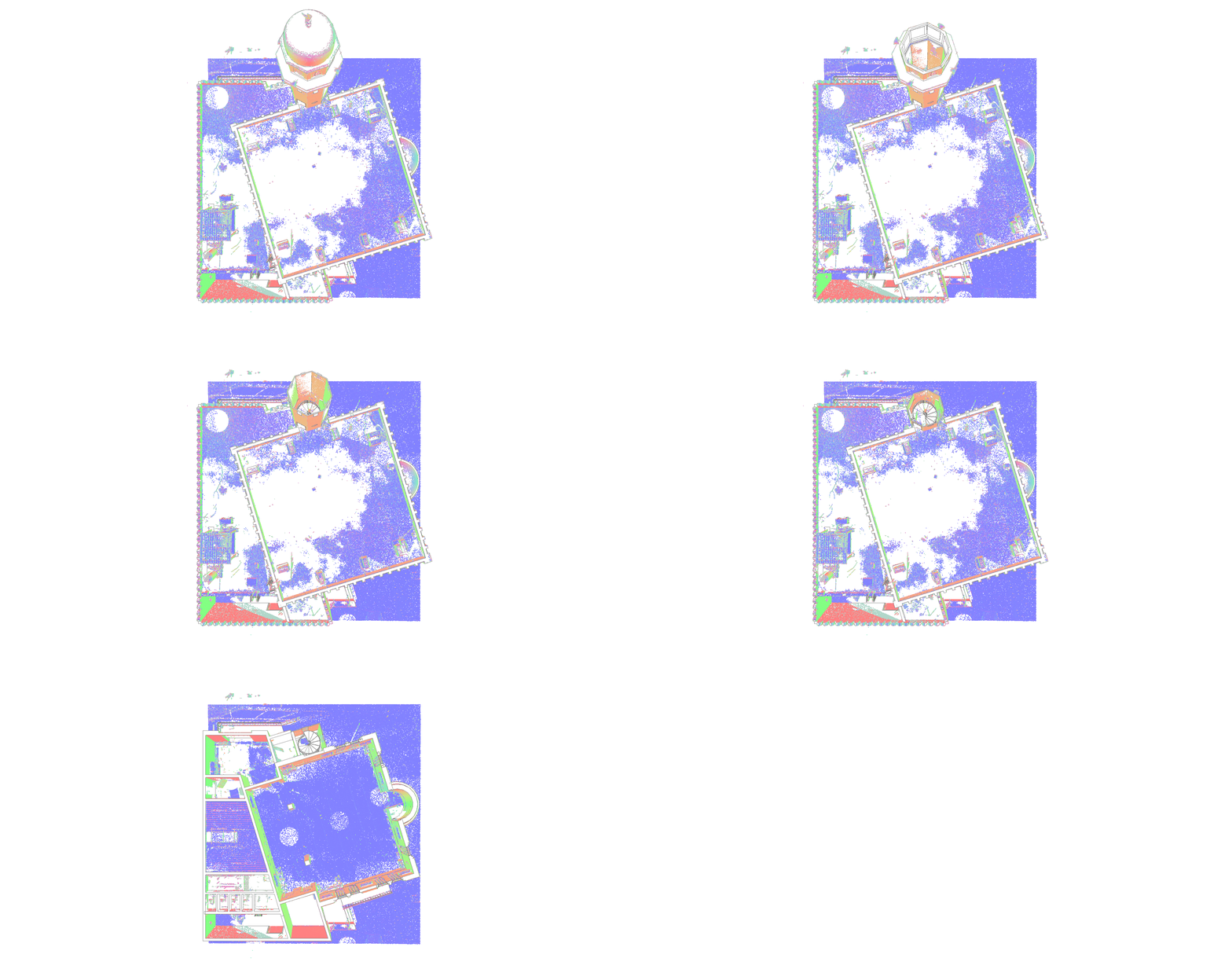
The section box expands outward from the model center in layered segments, creating a dramatic, multi-dimensional architectural reveal effect.
 GIF preview
Periodic Reveal
A rhythmic pulsing oscillation — the section box breathes in and out. Ideal for looping GIFs and social media content that demands attention.
 MP4 video
Perspective View Support
Animate both orthographic and perspective views. CutScene automatically manages focal lengths, crop boundaries, and centering for seamless reveals.
Inverse Reveal
Flip any animation with a single checkbox. Show the building dissolving instead of appearing — perfect for demolition or phasing sequences.
Up to 8K Resolution
Export frames from HD to 8K (7680 px). Lock the 16:9 aspect ratio for broadcast-quality output, or let Revit determine the frame dimensions.
Raster Density & DPI Control
Full raster density selection from 72 DPI (Draft/Fast) and 150 DPI (Balanced) to 300 DPI (High Res) and 600 DPI (Ultra Print) for razor-sharp, presentation-grade deliverables.
100% Non-Destructive
CutScene restores your 3D view — Section Box, Crop Box, and all visibility settings — to its exact original state after every export. Zero side effects.
Ready in under 5 minutes
No setup, no configuration - just open Revit and go.
Open a 3D View
Enable the Section Box in any Revit 3D view from the Properties panel.
Launch CutScene
Click the CutScene button in your Revit Add-Ins ribbon tab.
Configure & Export
Pick your reveal mode, direction, resolution, and output format. Click Export.
Done!
Your MP4 / GIF lands in the output folder. Your model is fully restored.
Works across 7 Revit versions
One installer covers your entire team - no matter which Revit version they run.
Requires Windows 10 or Windows 11 (64-bit). FFmpeg is bundled - no additional software required.
Completely free for everyone
No license keys, no trial limitations, and no watermarks. Full access across all supported Revit versions.
CutScene for Autodesk Revit
Enjoy unlimited MP4, GIF, and PNG exports up to 8K resolution with all reveal modes and custom DPI control unlocked right out of the box.
Frequently asked questions
Ready to create your first
cinematic animation?
Download CutScene from the Autodesk App Store and start exporting cinematic section box animations today.
Download Free on Autodesk App Store